Introducing GRP Search: Find Any Publisher Instantly

We launched our new Global Registry of Publishers (GRP) Search tool. This feature connects you directly to the official publisher database maintained by isbn-international.org.
What is GRP Search?
The Global Registry of Publishers is the authoritative database of all registered publishers worldwide. Our new search tool gives you instant access to this official data, allowing you to:
- Find publishers by name: Search for any publisher using partial or complete names
- Look up publisher IDs: Enter a specific publisher identifier to get detailed information
- ISBN-based searches: Enter any 13-digit ISBN and automatically find its publisher
- Verify publisher authenticity: Confirm legitimate publishers using official data
- Access ISBN prefixes: See which ISBN ranges are assigned to each publisher
Why We Built This
As the publishing industry becomes increasingly complex, authors, distributors, and industry professionals need reliable ways to verify publisher information. Whether you’re:
- An author researching potential publishers
- A distributor verifying business relationships
- A librarian cataloging new acquisitions
- A rights manager checking publisher legitimacy
Our GRP search tool provides the official data you need to make informed decisions.
Key Features
Smart ISBN Resolution
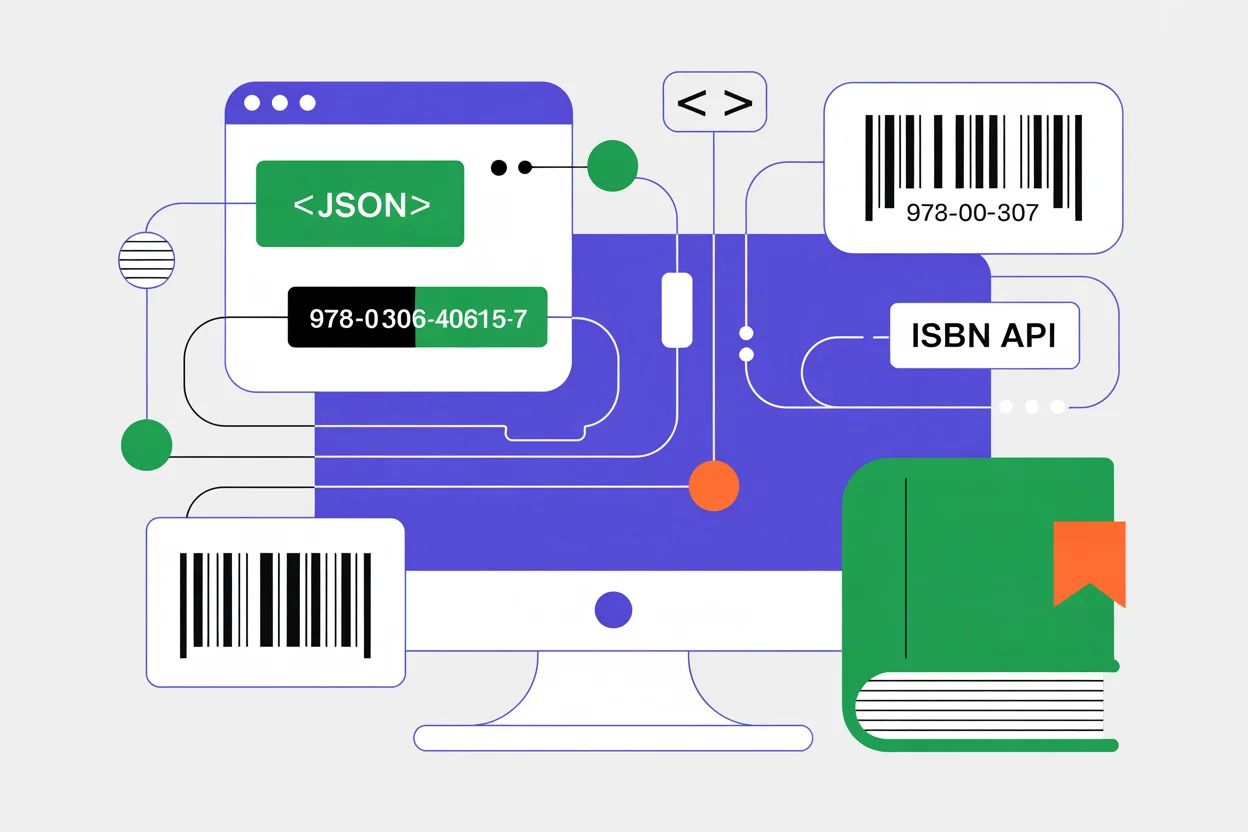
Enter any 13-digit ISBN, and our tool automatically extracts the publisher identifier and searches the database. No need to manually parse ISBN prefixes, as we handle the parsing for you.
Global Coverage
Access publisher information from ISBN agencies worldwide. The database includes publishers from all participating countries in the International ISBN Agency network.
Real-Time Results
Search results are pulled directly from the official database, ensuring you always have the most current publisher information available.
Detailed Publisher Profiles
Each search result includes:
- Official publisher name
- Assigned ISBN prefixes
- Country of registration
- ISBN agency information
How to Use GRP Search
Getting started is simple:
- Visit the GRP Search page at /grp-search
- Enter your search term: publisher name, ID, or ISBN
- Review the results: browse verified publisher information
- Access detailed data: view ISBN prefixes and agency details
Pro Tips
- Use partial names: You don’t need the complete publisher name
- Try different variations: Publishers may be listed under different name formats
- ISBN lookup: Enter any book’s ISBN to instantly find its publisher
- Check prefixes: Verify if an ISBN prefix is legitimately assigned
The Technology Behind It
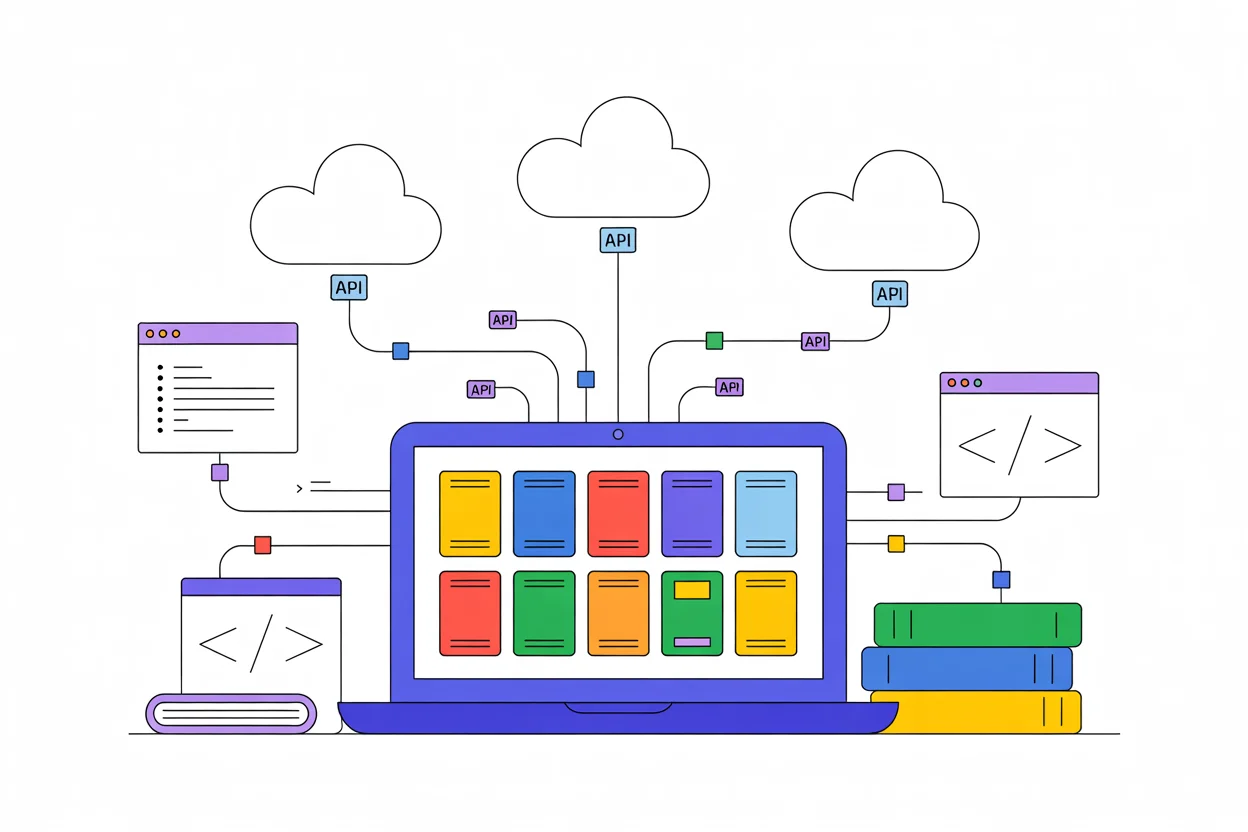
Our GRP search connects to the official isbn-international.org database through a secure API. This ensures:
- Data accuracy: Information comes directly from the source
- Real-time updates: Changes to the registry are reflected immediately
- Global coverage: Access to publishers from all participating countries
- Reliable performance: Built on reliable infrastructure for consistent availability
What’s Next?
This is just the beginning. We’re already working on additional features including:
- Advanced filtering options
- Export capabilities for search results
- Integration with our existing barcode generation tools
- Enhanced publisher contact information
Try It Now
Ready to explore the world of publishers? Head over to our GRP Search page and start discovering verified publisher information from the official Global Registry of Publishers.
Whether you’re researching publishers for your next book, verifying business relationships, or simply curious about the publishing industry, our new GRP search tool puts the power of the official publisher database at your fingertips.
Have questions about the GRP search tool or suggestions for new features? We’d love to hear from you. Visit our contact page to get in touch with our team.